Help Center
Is my website mobile-friendly?
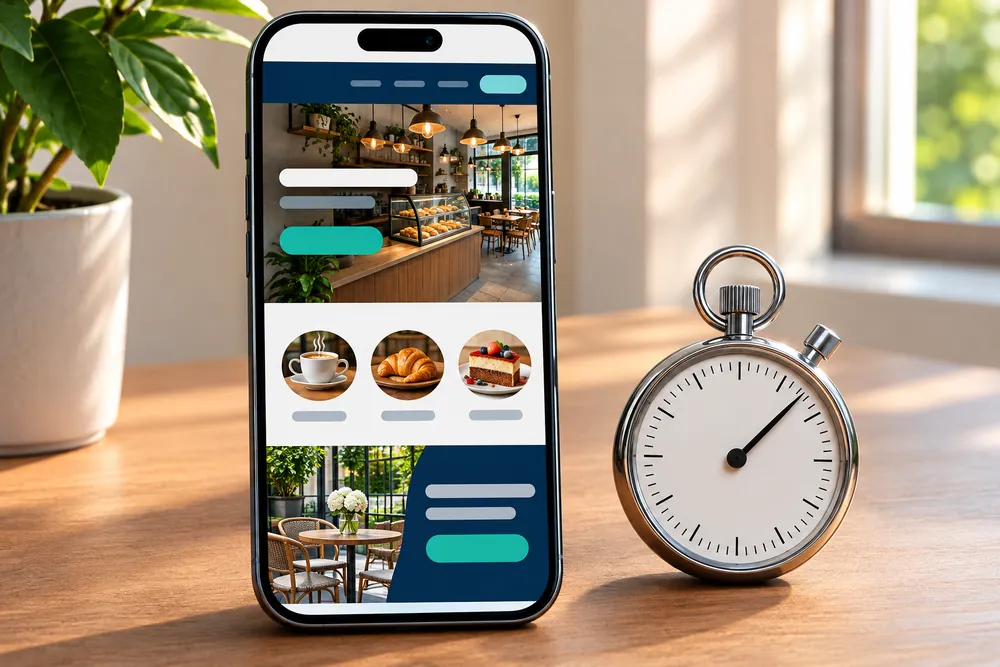
Pick up your phone and open your own website. In two minutes you'll know whether it's helping or hurting you.
The short answer
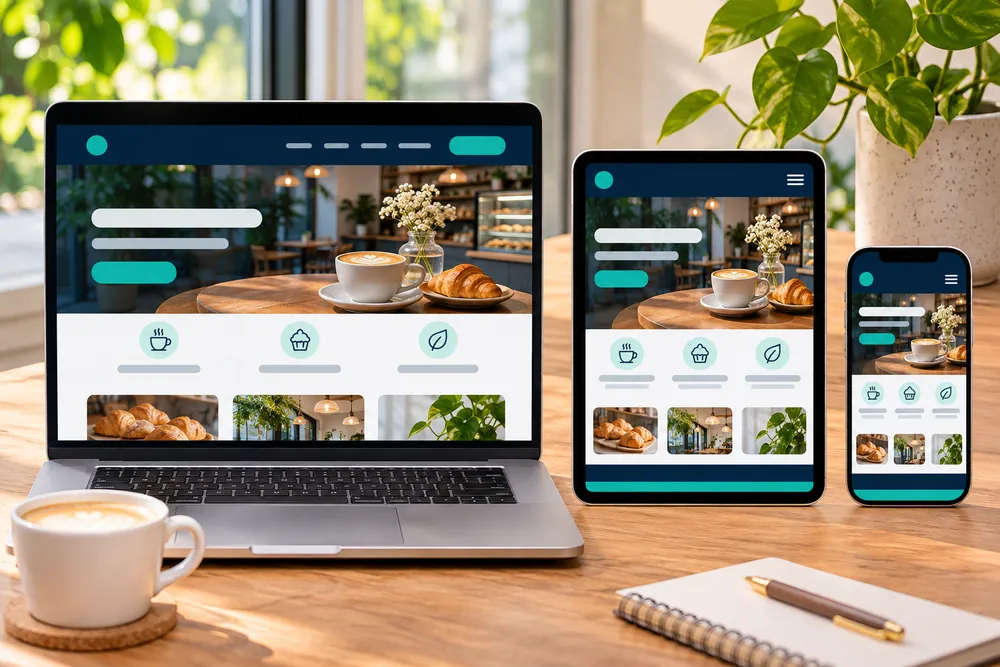
On your phone, check that you can read the text without zooming, tap buttons easily, open and close the menu, tap your phone number to call, and that nothing runs off the side of the screen. Google judges your site mainly by its mobile version.
The two-minute test
- Can you read everything without pinching to zoom?
- Can you tap buttons and links without hitting the wrong one?
- Does the menu open, work and close?
- Does tapping your phone number start a call?
- Does anything run off the right side of the screen?
- Does the page appear within about three seconds?
- Can you fill out your contact form on the phone?
Why it matters
For most small businesses, the majority of visitors arrive on a phone, often while deciding where to go right now. Google also uses the mobile version of your site to decide how to rank it.
Failed a step?
Most mobile problems are fixable without a whole new site. See our mobile fixes.
Rather have someone else handle it? Send us your web address. The review is free, and you'll get a fixed quote before any work.
Get a free reviewUpdated November 26, 2026. General information; every website is a little different.